

If your food app shows allergens, customers need to understand what the package says without having to interpret your database. A single "allergens" badge can lose useful context: the package may declare an ingredient, warn that something may be present, or provide a longer notice about the production facility.
We would build the display around those distinctions. Our archive keeps declared and precautionary allergens separate and retains the recorded statement, so your team can create a readable summary while keeping the wording available on the product page.
Show declared and precautionary information separately
The FDA explains the difference between "Contains" and "May contain" statements on US food labels. A contains statement identifies declared allergens used as ingredients. A precautionary statement describes possible presence, and manufacturers do not all use those voluntary notices.
That gives you a useful structure for the interface. Show declared allergens in one group and precautionary information in another. Keep facility or equipment wording visible when it is part of the recorded statement; shortening it to a generic badge can remove context the customer wanted to read.
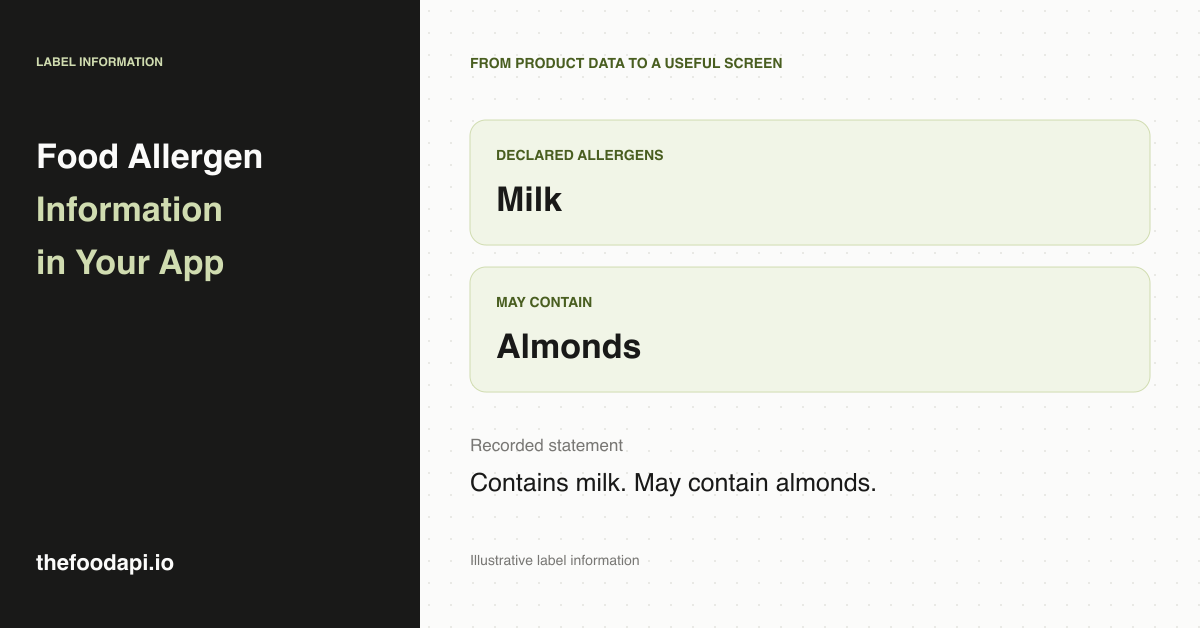
Here is an illustrative display for an invented product whose recorded statement says "Contains milk. May contain almonds."
| Product-page section | Display |
|---|---|
| Declared allergens | Milk |
| May contain | Almonds |
| Recorded statement | Contains milk. May contain almonds. |
The summary makes the information easy to scan. The statement lets someone read the wording behind it. Keep the ingredient declaration nearby as well, so the customer can see the wider formulation.
Use normalised identities without losing the wording
For a catalogue team, consistent allergen identities make it easier to group records and build the display without parsing each statement in the application. Our prepared records give you those identities alongside the recorded text.
You can map the identities to readable labels in your interface and reuse the same presentation across product pages. The original statement should remain available when it provides more detail than the summary. If you add your own analysis of the ingredients, label it separately from the package's declared information.
This is a practical reason to start with curated, normalised records. Your team can focus on how the information should appear and how it connects to the rest of the product page, with the preparation work already done.
Give missing information a clear display
If the record contains no allergen information, show "Allergen information unavailable". A blank field cannot support "No allergens" or a claim that the product is suitable for someone with an allergy. The absence of a precautionary notice also does not establish that cross-contact is impossible.
For a shopper, the useful outcome is knowing what information is available and when they still need to read the current package. Keep that next step close to the allergen panel. The FDA also notes that ingredients can change, which is why a stored product record should not replace checking the label.
Our October 2026 release records declared or precautionary allergen information on 21% of all products. Declared allergens appear on 16% and precautionary allergens on 6%; some products have both. Those figures describe recorded information across the catalogue. They do not measure how many products contain allergens or certify the remaining products as free of them.
Be specific about what a filter does
A filter can group products with a recorded declaration for a particular allergen. A filter intended to help people avoid one needs a clear treatment of precautionary statements and unknown records as well. Removing products with a recorded match will otherwise leave missing records in the results, which can look like a positive assurance.
We would start with a clear allergen panel before building personalised avoidance features. If you later add filtering, describe it in terms of the information being used, keep unknown records identifiable and show the recorded statements on the resulting product pages.
Keep product updates connected to the display
Match the correct package and variant before attaching allergen information. When you import a new release, update the summary and statement together so the screen does not combine an old notice with a newer list. Keep a record of the source version behind your display to help your team investigate changes.
Our downloadable archive suits teams that want to prepare these product pages in their own systems. You can review the structured fields and wording together, add your own interface labels and publish a consistent display across the catalogue.
Request our sample to explore the field structure. For the wider product-data choice, see our comparison with Open Food Facts.