

If you are building a food app, caffeine information can help make a product page more useful. Someone browsing drinks might want a caffeine-free option for the evening, while another person wants to see the wording on a particular coffee. Your app can bring that information into the comparison instead of leaving it buried in a product description.
We would start with a clear display of the recorded caffeine statement, then add browsing features around the claims you can support. Our Complete Archive includes caffeine statements alongside product identity, ingredients and package details, so you can build that display from records we have already cleaned and normalised.
Decide whether you are showing a statement or an amount
A label saying "Caffeine-Free" gives you wording to display. A value such as 80 mg per can gives you an amount you can use in a calculation. Keep those two types of information separate in your data model and your interface.
This distinction matters for decaffeinated products too. The FDA explains that decaffeinated coffee can still contain caffeine. If the package says "Decaffeinated", display that statement rather than changing it to "Caffeine-Free" or assigning a value of zero.
A useful product panel can have a row for the label statement and a separate row for an amount with its serving basis, when you have one. If your app only has the statement, it can still show that information without presenting a numeric estimate.
Build a readable caffeine panel
After matching the product, show the statement near its ingredients or other drink details. Keep the wording recognisable, especially qualifiers such as "naturally caffeinated". The product name and package size should remain visible so the user knows which variant the information describes.
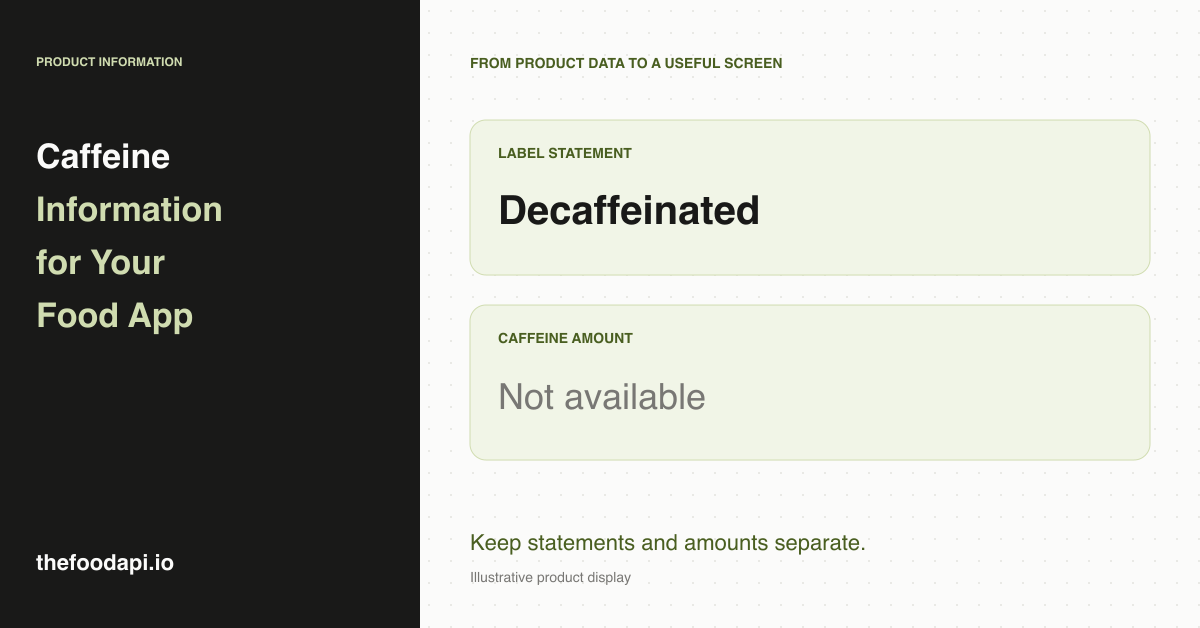
For example, an illustrative panel could read "Caffeine statement: Decaffeinated" and "Caffeine amount: Not available". Those two rows explain what the app knows without requiring the shopper to understand the underlying fields. They also leave room to add a sourced amount later.
In our October 2026 release, caffeine statements are recorded on 17% of all products, including caffeine-free and decaffeinated claims. That figure measures recorded statements across the catalogue, rather than measured amounts or the share of caffeinated drinks. We recommend using this information for product details and claim-based browsing. A daily caffeine tracker needs a source with usable milligram amounts and serving details.
Let people browse by the recorded claim
For a drinks catalogue, you can create a browse option such as "Labelled caffeine-free" using an explicit recorded claim. The wording tells your customer why a product appears in the results. Keep decaffeinated products in their own group so the two claims remain distinct.
When a record has no caffeine statement, leave its status as unavailable. A blank value should not put the product into the caffeine-free group. You can still display its other details and let the user continue browsing.
With a downloaded catalogue, you can prepare these groups before launch and review them alongside product names and ingredient declarations. That is useful when you want your own search rules or categories: the app queries the version you have prepared, rather than interpreting each description for the first time during a customer search.
Keep serving details with any numeric caffeine data
If you later add numeric amounts from another source, store the quantity they describe. An amount per can, per serving and per 100 mL cannot be displayed interchangeably. A multipack also needs the amount for the individual drink distinguished from the total across the pack.
For an illustrative calculation, a can declaring 80 mg per 250 mL would contribute 40 mg for half that can. The calculation requires both the amount and the volume. A statement such as "Naturally Caffeinated" cannot supply either number.
Start with product information your team can prepare once
Our archive is a good fit if you want to add caffeine-related label details to a broader product catalogue and organise those records in your own system. You receive downloadable JSONL, CSV and SQLite files, giving you room to prepare the display and browsing rules before customers use them.
Request our sample to see the record structure and how a caffeine panel would sit alongside ingredients and package information. If you are building a full food diary, our guide to building a nutrition app covers serving selection and meal logging.