

When you are building a drinks catalogue, alcohol strength belongs near the details customers use to compare products. A name and bottle image help someone recognise a drink; its alcohol by volume, or ABV, gives them another concrete way to distinguish it from the alternatives.
We include stated alcohol percentages in The Food API's product records so you can bring that detail into your own catalogue. The useful first features are straightforward: display the recorded percentage, sort products with known values and let customers compare drinks within a range they select.
Keep alcohol strength separate from package size
ABV expresses the proportion of alcohol by volume. The NIAAA's explanation of drink sizes illustrates why both strength and volume matter when describing the alcohol in a drink.
For your product card, show the two details separately, for example "330 mL" and "4.5% ABV". Those are illustrative values, not a product from our archive. The first describes the container volume; the second describes alcohol concentration. A multipack can show its pack count without multiplying the ABV by the number of cans.
This also makes comparisons more useful. Two bottles of different sizes can have the same ABV, while two bottles of the same size can have different strengths. Your interface should make both differences easy to see.
Store a number you can sort and a label people can read
A numeric ABV field lets you sort and filter without repeatedly parsing text such as "alc/vol" from product descriptions. Format the number for display with a percentage sign and the ABV label. Keep the value tied to the correct product and variant so a similar name does not lead you to use another drink's strength.
In our records, the stated alcohol percentage is separate from the broader alcoholic-beverage classification. Use the percentage for strength displays. A classification on its own does not supply an ABV, and a blank percentage should display as "ABV unavailable", not "0%".
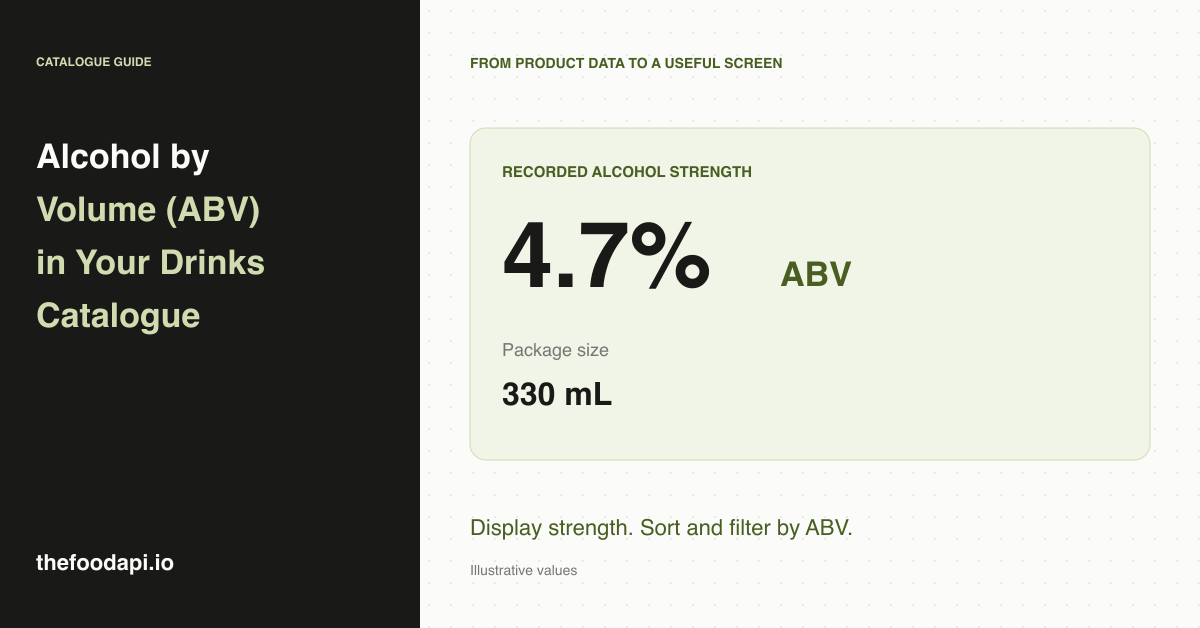
For an illustrative record with a value of 4.7, the product page would show "4.7% ABV". If no percentage is recorded, the page can still show the name, ingredients, package size and other available information.
Build range filters around recorded percentages
You can offer a numeric range selector and include products whose recorded ABV falls within it. Keep products without an ABV out of the numeric ranking and make it possible to browse them separately. Otherwise, a default zero can move unknown products to the top of a low-to-high sort.
Use explicit range labels, such as "4% to 6% ABV", and decide whether the endpoints are included. For an inclusive range, both 4% and 6% belong in the results. That is a small implementation detail with a visible effect on what your customers find.
If you also show a label claim such as "alcohol-free", retain it as a separate statement. A numeric range is a clear description of your filter; it should not automatically create a new claim about the product.
Where our archive helps with catalogue preparation
We prepare product records from retailer listings, cleaning and normalising the information into files you can import. For your team, that means working with a structured alcohol field alongside the rest of the product, rather than starting by collecting descriptions and extracting the percentages yourself.
Our October 2026 release records a stated ABV on 1% of all products. That is a whole-catalogue figure, not the proportion of alcoholic drinks with a known strength. We would use the archive to add recorded ABV to a broader product catalogue, with missing percentages kept visible. A dedicated drinks shop that needs a percentage on every listing will need to complete the missing information before offering that promise.
Because you have a downloadable copy, you can prepare the display values, numeric filters and any additions before publishing your catalogue. Keep your own additions linked to the product and their source so a later import can update supplier information without silently replacing work your team has done.
Give the first version a clear job
Start with a product card that shows package size and recorded ABV, then add sorting and a simple range filter. Include a few missing values in your preview so the catalogue remains understandable when a drink has no recorded percentage. You do not need a complex recommendation system to make these details useful.
Our archive is a good fit when you want prepared product information to enrich a catalogue you control. Request the sample to see the record structure, or read our food dataset guide for the broader source choices.